
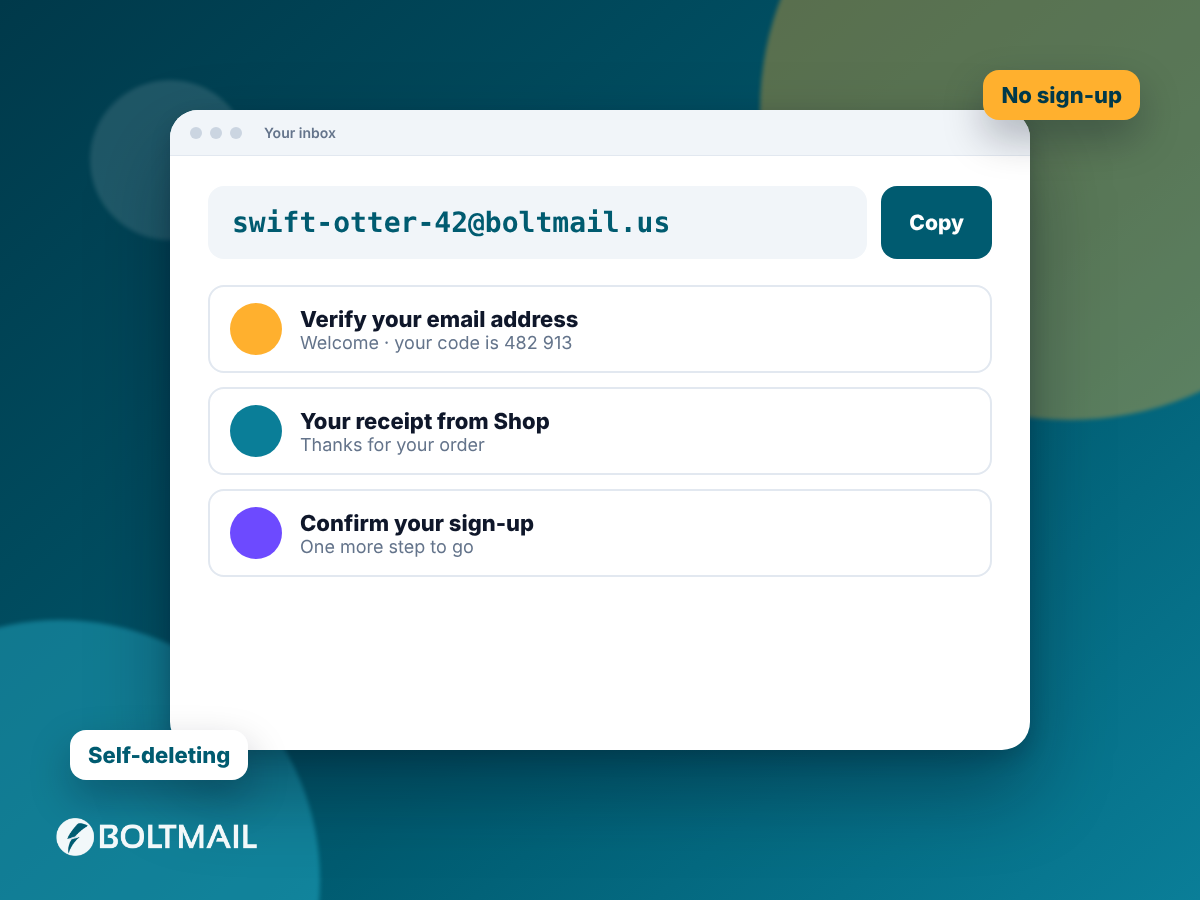

Most sign-up flows end with the same step: a message arrives containing a six-digit code or a confirmation link. Automating that step is the point of a mailbox API. BoltMail does the first part of the work for you and gives you the tools for the rest. This guide shows how to get the value out reliably and what to watch for.
The built-in helpers: codes and links
When you fetch a single message with GET /mailboxes/{address}/messages/{id}, the response contains two extra arrays next to the text and HTML:
codes: numbers of four to eight digits found in the readable text, in the order they appear. Numbers glued to letters, dots or dashes are skipped, so a version number or a part of an address does not count.links: every unique http or https link found in the HTML and the text, with trailing punctuation removed.
For the typical "your code is 482913" email, codes[0] is all you need.
msg = S.get(f'{BASE}/mailboxes/{addr}/messages/{mid}').json()
code = msg['codes'][0] if msg['codes'] else None
When the helper is not enough
Some emails contain several numbers: an order number, a year, a postcode, and then the code. Others use letters, such as X7K-92P. For those, take the text field and apply your own pattern. A few that work well:
# six digits, not part of a longer number
(?<!\d)\d{6}(?!\d)

# code introduced by a keyword
(?i)(?:code|pin|otp)\D{0,20}(\d{4,8})

# letters and digits with an optional dash
\b[A-Z0-9]{3}-?[A-Z0-9]{3}\b
Anchor the pattern to words around the code whenever you can. Matching "the first six digits anywhere" is the main reason these helpers become flaky when a template changes.
HTML-only emails
Many emails have no plain-text part. In that case text is empty or null and the content is in html. Strip tags first, then search. A simple and safe way is to remove <style> and <script> blocks, replace tags with spaces and decode entities:
import re, html
def html_to_text(h):
    h = re.sub(r'(?is)<(script|style).*?>.*?</\1>', ' ', h)
    h = re.sub(r'(?s)<[^>]+>', ' ', h)
    return re.sub(r'\s+', ' ', html.unescape(h)).strip()
Do not render the HTML in a browser that holds real logins just to read a code. Parsing text is faster and safer.
Picking the right link
A verification email often contains a logo link, a privacy link, an unsubscribe link and the one link you need. Choose by a stable property, not by position. Good selectors are a path fragment such as /verify or /confirm, a query parameter called token, or the domain of your own application:
link = next(u for u in msg['links'] if '/verify' in u or 'token=' in u)Tracking redirects add a twist. Some providers wrap every link in a redirect. If your link points to a tracking domain, request it without following redirects and read the Location header to find the real destination.
Following links safely
Links in received mail are untrusted input. Even in your own test mailbox, a message might include a link that is not from your app. Before following one, check that its host belongs to a list of domains you expect. Fetch it with a plain HTTP client, not a logged-in browser, set a short timeout and limit redirects. If you must complete a flow in a real browser, use a fresh profile created for the test.
Expiry and one-time use
Codes expire and links are often single-use. Two consequences follow. Do not fetch the same code twice in one test, and do not retry a flow with a stale value. When you re-request a code, wait for a message with an id higher than the previous one, using after_id, so you read the new code and not the old one.
Checking the email itself
Testing is more than grabbing the code. Because you can read the whole message, you can also assert things users care about: the subject line is correct, the sender name and address are right, the greeting uses the person's name, the unsubscribe link exists in marketing mail, and the message contains no leftover template placeholders such as {{first_name}}. A short assertion block after the extraction step catches a surprising number of real bugs.
A complete example: password reset
- Create a mailbox and register a user with that address in your app.
- Remember the highest message id (zero for a new mailbox).
- Trigger "forgot password".
- Wait for the message with
after_id, matching on subject. - Fetch it, pick the link containing
/reset, check its host. - Open the link with an HTTP client, submit a new password, and confirm you can log in.
- Delete the mailbox.
That is a full end-to-end test of a flow that normally needs a human, running in a few seconds. For the wait step, see the guide on the /wait endpoint, and for the whole field list, the API documentation.